
 EN
Blog
PLA Filament for 3D Printing
Explore PLA filament types, benefits, limitations, and buying tips. Learn nozzle and bed temperature settings for reliable, high-quality 3D prints.
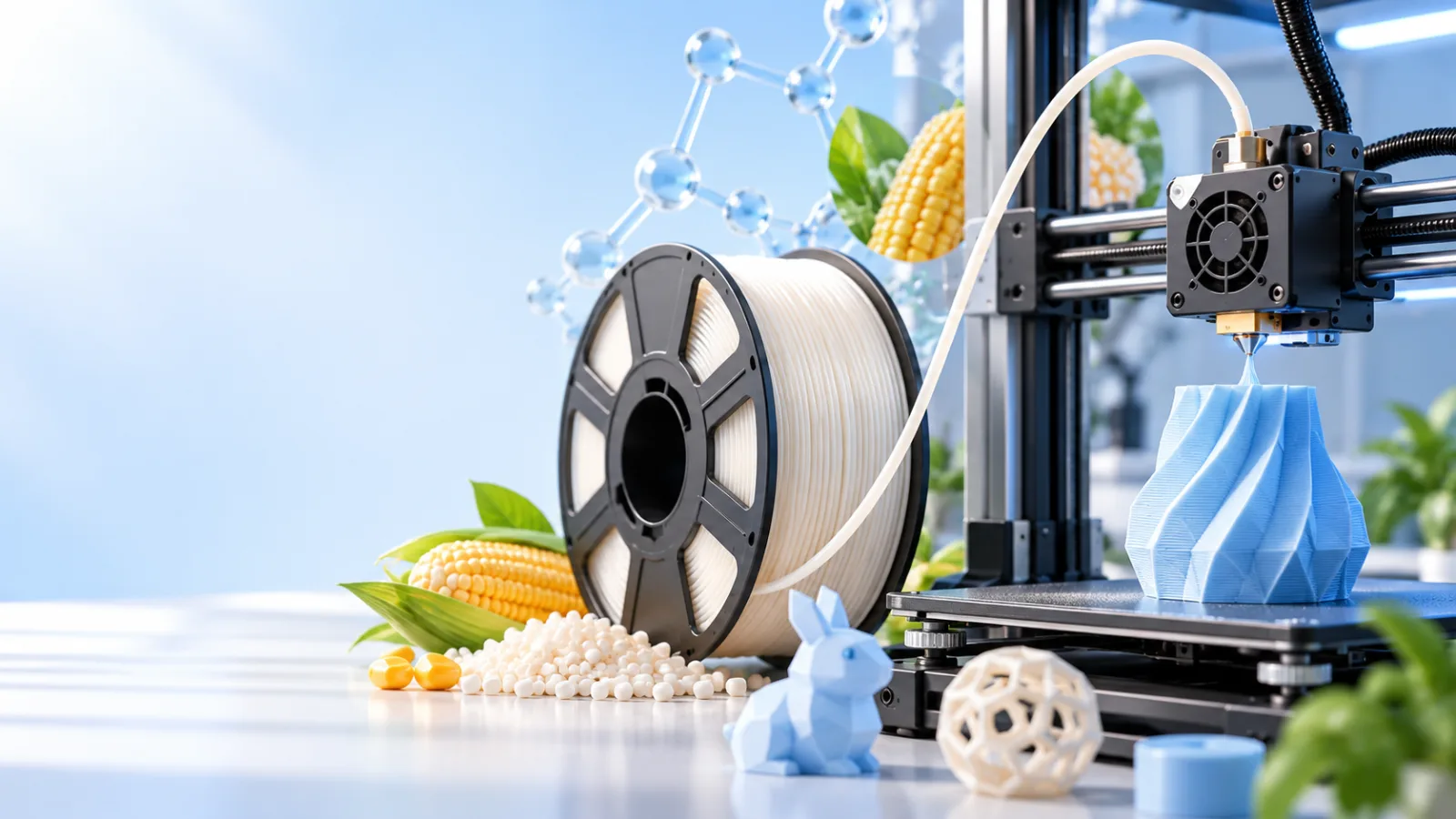
PLA 3D Printing Material
PLA (polylactic acid) is one of the most widely used materials in desktop 3D printing. It is relatively easy to print, comes in a wide range of colors, and works well for models, decorative objects, teaching aids, and visual prototypes. However, easy to print does not mean suitable for every application: heat resistance, toughness, and long-term load-bearing performance all matter when choosing a material.
This article covers PLA’s origins, performance differences, buying considerations, and printer settings to help you understand the material and establish sensible starting parameters for your prints.
1. The Basics of PLA 3D Printing Material
PLA, short for polylactic acid, is a thermoplastic polyester. It softens and melts when heated, then solidifies again as it cools, making it suitable for fused deposition modeling (FDM) 3D printing.
During printing, the printer feeds filament into the hot end, extrudes the molten material through a nozzle, and deposits it layer by layer along paths generated by slicing software to create a three-dimensional object.
The most common nominal diameter for PLA filament is 1.75 mm, although some printers use 2.85 mm filament. Always check which diameter your printer supports before buying; the two sizes are not interchangeable.
Common uses for PLA include:
- Display pieces: Figurines, sculptures, architectural models, and decorative objects.
- Educational projects: Geometric models, mechanical demonstration parts, and classroom experiment accessories.
- Design validation: Checking product shapes, dimensional relationships, and assembly clearances.
- Light-duty household items: Desktop organizers, label holders, and small indoor brackets.
Standard PLA excels at turning designs into physical objects quickly. It is not necessarily suitable for final parts exposed to high temperatures, repeated impacts, or sustained loads.
2. PLA Feedstocks and Material Properties
PLA is typically made from sugars or starches derived from plants such as corn and sugarcane. These feedstocks are fermented to produce lactic acid, which undergoes further chemical processing to form PLA resin. Color masterbatches or functional additives are then added before the material is extruded into printing filament.
Being bio-based does not mean PLA can be discarded carelessly or that it will break down quickly in the natural environment. Its degradation rate depends on temperature, moisture, microbial conditions, part thickness, and formulation. It generally requires specific industrial composting conditions. Rapid decomposition is not guaranteed in home compost, soil, or seawater.
From a printing and end-use perspective, PLA typically has the following properties:
| Material property | Practical implications |
|---|---|
| Relatively high stiffness | Rigid prints that hold their shape and reproduce detail well |
| Relatively low molding shrinkage | Warping is easier to manage, making it well suited to open-frame printers |
| Relatively low printing temperature | Compatible with most desktop FDM printers |
| Limited toughness in standard formulations | Thin walls, snap-fit features, and impact-loaded areas may fracture |
| Limited heat resistance | Prone to softening and deformation at elevated temperatures |
| Sensitive to moisture | Moisture absorption can cause stringing, bubbles, and rough surfaces |
Standard PLA often has a glass transition temperature of approximately 55–65°C, but this is not a universal safe operating temperature. Parts under load may deform noticeably at lower temperatures, so this figure alone cannot determine whether PLA is suitable for an application.
3. PLA’s Advantages and Limitations
PLA’s main advantages are reliable printing, good detail reproduction, and relatively little tuning effort. Unlike some materials with higher shrinkage, it generally does not require a high-temperature enclosed chamber, making it more accessible to beginners.
PLA is also practical for designs that need multiple revisions. You can use it to check dimensions and fit, then switch to another material based on the final operating conditions.
Its main limitations include the following:
1. Unsuitable for High-Temperature Environments
Standard PLA is not a good choice for parts left in a sun-heated car, placed near heat sources, or subjected to high-temperature cleaning. Even without melting, a printed part may lose stiffness, bend, or collapse.
2. Not Suitable for Every Load-Bearing Part
PLA is stiff, but stiffness does not equal impact resistance. Standard formulations can crack under impact, repeated bending, or stress concentrated around notches. For sustained loads, creep must also be considered—the gradual deformation of a part over time.
3. Printed Parts Have Direction-Dependent Properties
The bonds between layers are usually a structural weak point. Even if the material itself is strong, poor print orientation, insufficient layer fusion, or inadequate wall thickness can cause premature failure.
4. Low Odor Does Not Mean Zero Emissions
PLA usually produces relatively little odor during printing, but it can still release ultrafine particles and volatile compounds. Keep the printing area adequately ventilated, and avoid prolonged operation in enclosed spaces such as unventilated bedrooms.
Also, do not assume a printed part is suitable for direct food contact simply because it is made from PLA. Additives, nozzle contamination, the difficulty of cleaning layer lines, and actual use conditions all require separate assessment.
4. Standard, Toughened, Heat-Resistant, and Composite PLA
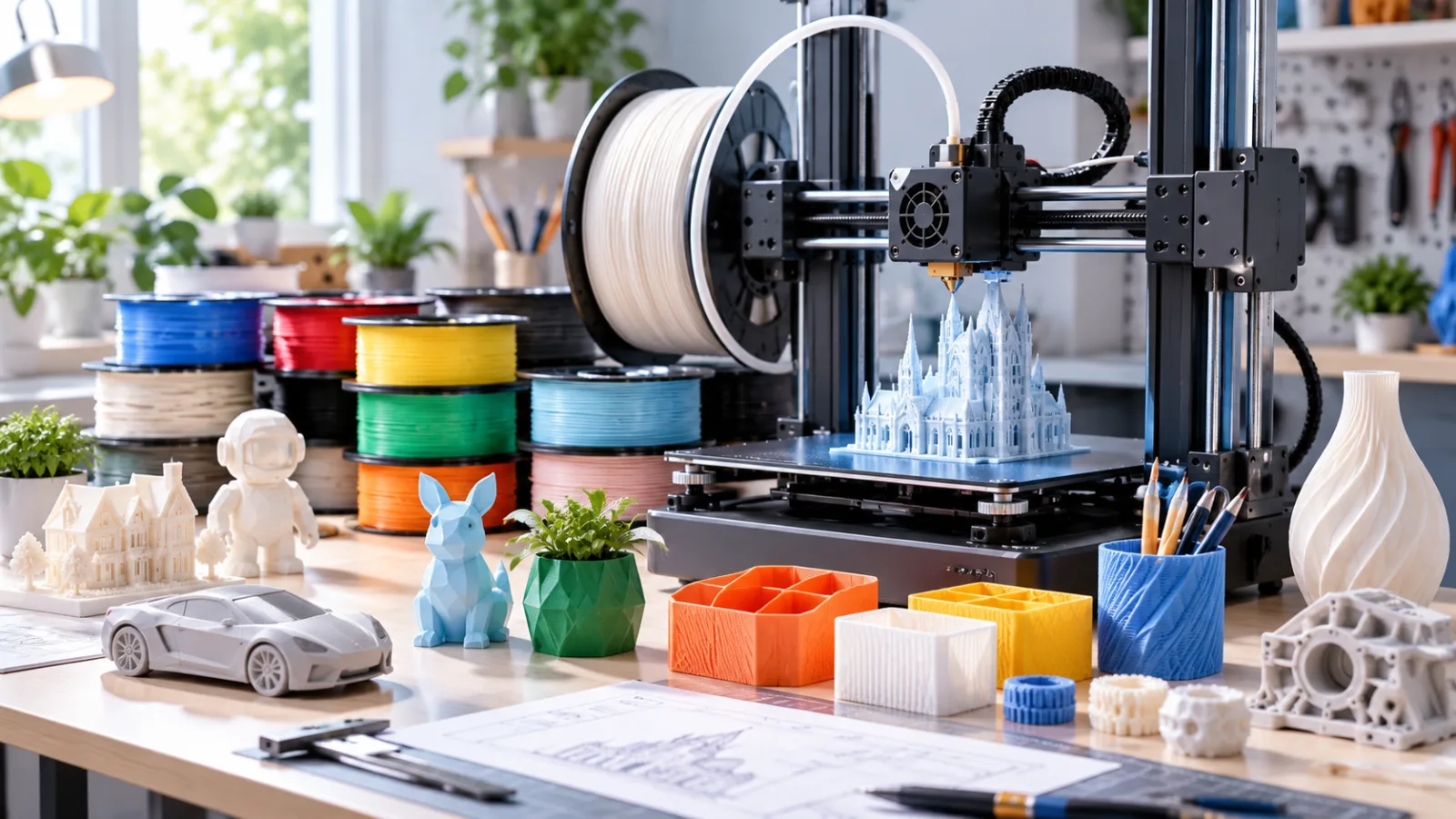
PLA filaments do not all use the same formulation. Even when every package says “PLA,” printing temperatures, mechanical properties, and post-processing requirements can vary significantly.
| Type | Main characteristics | Common uses | Considerations |
|---|---|---|---|
| Standard PLA | Easy to print, relatively stiff, good detail | Models, teaching aids, visual prototypes | Limited heat and impact resistance |
| Toughened PLA | Typically offers improved ductility or impact resistance | Light-duty functional parts, some snap-fit features | Improvements depend on the formulation; stiffness may change |
| Heat-resistant PLA | Uses formulation and crystallization control to improve heat resistance | Functional prototypes with moderate temperature requirements | Some products require annealing to achieve their rated performance |
| Composite PLA | Contains fillers such as wood powder, metal powder, or carbon fiber | Parts with distinctive finishes or higher stiffness requirements | May wear nozzles and is not necessarily tougher |
“PLA+” is not a standardized performance specification. Different brands may use the label to indicate greater toughness, improved layer bonding, or other formulation changes. The name alone does not establish quality or performance.
Pay particular attention to test conditions when choosing heat-resistant PLA. Some products advertise their performance after annealing rather than as printed. Annealing can cause shrinkage, warping, or localized deformation, so test small samples before using it for precision-fit parts.
Composite materials should not be assumed to offer improvements across the board. For example, chopped carbon fiber–filled PLA generally emphasizes stiffness and dimensional stability, but impact resistance and interlayer strength may not improve alongside them.
5. PLA Compared with Other Common Printing Materials
The goal of material selection is not to find the “strongest material,” but to match its properties to the intended environment.
| Material | Main differences from standard PLA | Printing considerations | Suitable applications |
|---|---|---|---|
| PETG | Usually tougher, with somewhat better heat resistance | Manage drying, stringing, and excessive build-plate adhesion | Everyday functional parts, protective cases, brackets |
| ABS | Usually offers better heat resistance and toughness | Prone to warping; generally needs an enclosure and emission controls | Functional housings, engineering prototypes |
| ASA | Usually offers better weather and UV resistance | Requires warping control and adequate ventilation | Outdoor housings and accessories |
| TPU | Soft and elastic, suitable for cushioning | More demanding feeding and retraction settings; usually requires slower printing | Non-slip pads, flexible covers, cushioning parts |
| Nylon | Usually offers good toughness and wear resistance | Absorbs moisture readily; requires careful drying and suitable printer capabilities | Gears, wear-resistant components, functional parts |
These are general trends. Actual performance depends on the specific grade, moisture content, and printing process. For example, TPU grades with different hardness ratings can behave very differently, and nylon types vary in heat resistance and dimensional stability.
PLA is often sufficient for indoor models and visual prototypes. For outdoor use, high temperatures, or repeated motion, choose a material based on the operating conditions rather than simply increasing PLA’s infill percentage.
6. Buying PLA Filament and Assessing Quality
When buying PLA, look beyond the price per spool. Consistent filament diameter, clear technical guidance, and sound packaging often matter more than the number of colors available.
1. Check Specifications and Technical Documentation
Start by confirming:
- Whether the filament diameter matches your printer.
- Whether the net weight is clearly stated.
- Whether nozzle temperature, bed temperature, and drying recommendations are provided.
- Whether additives, fillers, or annealing requirements are disclosed.
- Whether functional grades include performance data and test conditions.
Variations in filament diameter affect the actual volume of material extruded. For precision printing, consistent diameter and roundness matter more than whether a single measurement is close to the nominal value.
2. Inspect Packaging and Filament Feeding
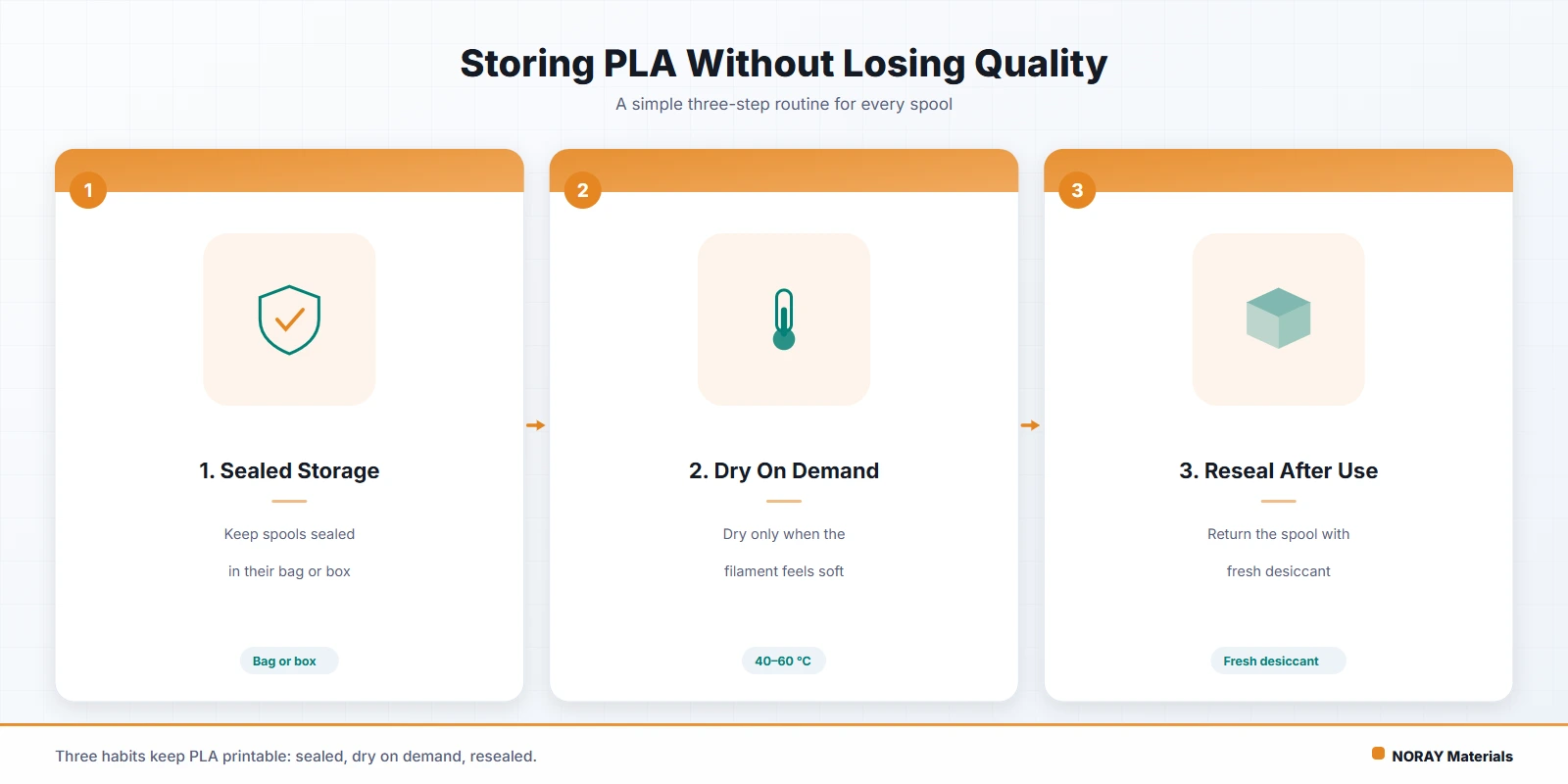
Sealed packaging and desiccant help reduce moisture absorption during shipping and storage, but they do not guarantee dry filament. The spool should be free of significant damage, and the filament should unwind smoothly without trapped strands or locked crossovers.
After opening a spool, secure the loose end to prevent it from slipping beneath other wraps and creating a tangle. For long-term storage, use a sealed container with effective desiccant.
3. Validate with Test Prints, Not Appearance Alone
Start with a temperature tower, a thin-wall sample, or a simple dimensional test piece. Check:
- Whether extrusion is continuous, with no popping sounds or bubbles.
- Whether layer bonding is reliable.
- Whether stringing, bridging, and overhang performance meet expectations.
- Whether dimensions and surface quality remain consistent with fixed settings.
Popping sounds and bubbles can indicate moisture, but temperature and hot-end condition should also be checked. Brittle filament alone does not prove moisture absorption; formulation or aging may also be responsible.
7. Printer Compatibility and Nozzle Selection
Most desktop FDM printers that support PLA can print standard PLA without difficulty. Reliable feeding, effective hot-end cooling, and appropriate part cooling are generally more important than a heated enclosure.
Before printing, check the filament diameter, hot-end temperature range, build-plate surface, and whether the spool turns freely. If you use an automatic filament-changing system, also verify spool dimensions and compatibility with composite filaments.
Choosing a Nozzle for Standard PLA
Standard PLA can generally be printed with a brass nozzle. A 0.4 mm nozzle is a common all-purpose choice, balancing detail, speed, and ease of tuning.
- Smaller nozzles suit detailed models but print more slowly and are more sensitive to contaminants.
- Larger nozzles suit larger parts and wider extrusion lines, but sacrifice some fine detail.
A larger nozzle does not allow unlimited speed increases; the hot end’s melting capacity still matters.
Choosing a Nozzle for Composite PLA
Carbon fiber, glow-in-the-dark, and some mineral- or metal-filled filaments are abrasive. Use a wear-resistant nozzle, such as hardened steel, as recommended by the filament manufacturer. Formulations containing larger particles may require a larger nozzle opening to reduce clogging risk.
After changing nozzle materials, recheck temperature and flow settings because different nozzle materials conduct heat differently.
Considerations for Enclosed Printers
PLA generally does not need a high chamber temperature. An overheated chamber can impair cooling in the hot end’s cold zone, leading to heat creep, increased feeding resistance, or clogs. Follow the printer manufacturer’s guidance on opening the door or using chamber exhaust ventilation.
8. Setting Nozzle and Bed Temperatures
There is no single PLA temperature setting that works for every brand and printer. For many standard PLA filaments, a nozzle temperature of around 190–220°C and a bed temperature of around 45–60°C are common reference ranges. However, prioritize the filament and printer manufacturers’ recommendations. High-speed, toughened, silk, and composite formulations may require temperatures outside these ranges.
1. Match Nozzle Temperature to Speed and Extrusion Rate
If the temperature is too low, the material may not melt sufficiently, causing under-extrusion, rough surfaces, or weak layer bonding. If it is too high, oozing and stringing may increase, and overhangs may struggle to hold their shape.
Increasing print speed, layer height, or line width raises the amount of material required per second, which may call for a modest temperature increase. However, once you exceed the hot end’s melting capacity, raising the temperature further is no substitute for reducing the flow rate.
A reliable approach is to start near the middle of the recommended range, use a temperature tower, and adjust in increments of approximately 5°C, testing at your intended print speed.
2. Match Bed Temperature to the Build Surface
The heated bed primarily supports first-layer adhesion and influences how the bottom of the part cools. Some specialized surfaces allow low-temperature or unheated printing, but settings that work on those surfaces should not be applied indiscriminately to every build plate.
If the first layer does not adhere properly, check the following in order:
- Whether the build plate is clean and free of grease.
- Whether bed leveling and the nozzle-to-bed gap are correct.
- Whether first-layer speed and extrusion settings are appropriate.
- Whether the bed temperature suits the current surface.
Do not simply keep raising the bed temperature. If the bottom layers remain too soft, excessive first-layer squish can worsen outward spreading at the base, commonly called “elephant’s foot.”
3. Tune Temperature and Cooling Together
PLA usually benefits from substantial part cooling to improve small details, bridges, and overhangs. Reduce airflow or temporarily turn off the part-cooling fan for the first layer, then increase it gradually.
However, more airflow is not always better. Excessive cooling can weaken layer bonding, so thin-walled and functional parts require particular care. The part-cooling fan and hot-end cooling fan serve different purposes; do not disable hot-end cooling simply to adjust part cooling.
Ultimately, judge your settings by surface quality, interlayer strength, dimensional stability, and feeding reliability together. With PLA, choosing the right formulation, keeping the filament dry, and calibrating gradually with test prints are usually more effective than chasing a single fixed “best temperature.”